TyscendoraJS
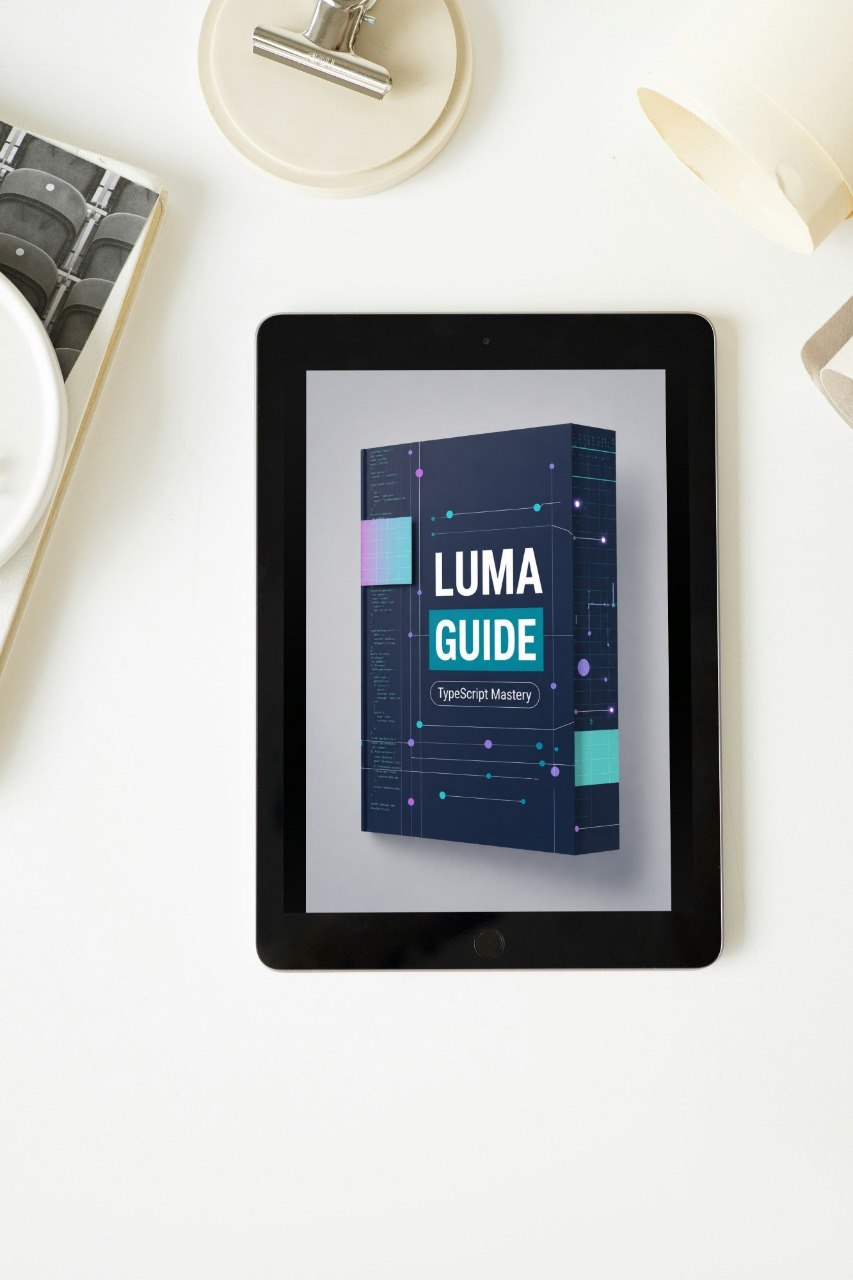
Luma Guide
Luma Guide
Couldn't load pickup availability
- 📁 Digital file available after purchase
- 🔄 Long-term availability
- 🛡️ Secure checkout
- 🗓️ Content updated in 2026
Self-paced learning overview
Problem Statement
As TypeScript examples grow, learners often begin to see more complex object shapes, repeated patterns, and layered data structures. Even when the code is not very large, it can become difficult to understand what each type represents and why it was written in a certain way. Learners may also feel unsure when choosing between a type alias, an interface-style structure, optional fields, or a more direct annotation. Without clear guidance, typed code can start to look crowded instead of helpful.
Solution
Luma Guide gives learners a more organized way to study type readability and code planning. The materials explain how to shape types so they are easier to scan, reuse, and understand during review. This tier focuses on clarity rather than complexity, helping learners see how small naming choices, field choices, and structure choices affect the learning experience. Through guided examples, learners study how to organize related type information without making code feel overloaded.
What’s Inside
Inside Luma Guide, learners receive detailed materials focused on readable TypeScript design. The tier begins with a review of object shapes, function typing, arrays, and connected code flow, then moves into clearer type organization. Learners study how to name types in a useful way, how to keep related fields grouped logically, and how to decide when a structure should be reused.
The materials explore type aliases, interface-style structures, optional properties, nested objects, arrays of structured items, and typed function results. Each section explains not only how the syntax works, but also why a certain structure may be easier to read than another. Learners review examples where unclear naming or loose structure is improved into a cleaner version. This helps learners understand the difference between code that technically works and code that is easier to study, review, and maintain.
Luma Guide also includes guided reading exercises. These exercises ask learners to inspect a type definition, identify what the data represents, and explain how the type connects to nearby code. The tier introduces simple planning habits, such as sketching object fields before writing functions, checking whether a type is too broad, and reviewing whether optional fields are being used thoughtfully.
Who is this for?
Luma Guide is for learners who understand TypeScript basics and want their typed code to feel clearer and more organized. It is suitable for people who can write simple types but still feel uncertain when examples include nested objects, reusable structures, or multiple related functions. This tier is also useful for learners who want to improve their ability to read and review TypeScript examples without feeling overwhelmed.
What You’ll Learn
• How to make TypeScript structures easier to read and review
• How to choose clearer names for type definitions
• How type aliases and interface-style structures can support organization
• How optional fields affect data clarity
• How to describe nested objects in a structured way
• How to type arrays of detailed items
• How to keep function inputs and outputs understandable
• How to compare crowded type examples with cleaner versions
• How to review whether a type is too broad or too narrow
• How to prepare for deeper TypeScript patterns in later tiers
Guarantee
Luma Guide includes a 30-day money back option for eligible purchases according to the store refund policy. It is designed as a risk-free study step for learners who want to review the materials and decide whether this TyscendoraJS tier fits their learning needs.
What are the TyscendoraJS course tiers about?
What are the TyscendoraJS course tiers about?
TyscendoraJS course tiers are built around TypeScript learning guides, structured modules, practical examples, and review-friendly materials. Each tier focuses on helping learners understand typed code, project structure, reusable patterns, and cleaner development habits.
Do I need previous TypeScript knowledge before starting?
Do I need previous TypeScript knowledge before starting?
No advanced background is required for the earlier tiers. The course path begins with clear foundations, then gradually moves into deeper topics, stronger typing habits, and more detailed code organization.
How are the materials arranged?
How are the materials arranged?
The materials are arranged by tier, with each tier covering a focused learning stage. Learners can study the sections in order, revisit topics, and use the examples as reference points while practicing.